
Oval Face Generator
Create soft oval face icons, round avatars, cat faces, pixel characters and profile pictures. Pick each item by looking at the icon, customize colors, adjust position and download a 512×512 or 256×256 PNG.
Style
Choose generator style.
Adjust selected item
Oval Face Generator – Create Cute Oval Face Icons
Testing avatar tools for years taught me this: an oval face generator earns trust by staying free, asking no registration, and treating every customizable detail as intentional, so its rounded oval shapes become lasting inspiration.
Building a face here isn’t purely random guesswork. You pick features across 12 categories, skin, eyebrows, eyelashes, glasses, then use the color picker to fine-tune hair and accents until the live preview finally feels right.
I’ve dropped these faces into Discord servers, Instagram feeds, and TikTok profiles without ever losing detail at small sizes, since rounded faces stay memorable, warm, and approachable beside channel icons or a profile icons grid.
Compared with other avatar makers, this one earns quiet loyalty through privacy-first design, renders locally, keeps nothing uploaded, stays truly watermark-free, always genuinely pairs real-time preview with honesty, and keeps my creative projects coming back.
Its origin traces to a 2013 Flash game, an unlikely little history for something surprisingly instant and HTML5-smooth, what began as a Japanese experiment became, for me personally, a lasting bit of cute, unique charm.
New to avatars? Read our guide: Best Free Oval Face Generators.
Try More Face Generators
Create cute square face icons with customizable features.
🟠 Cat Icon Maker
Design cute cat icons with 195+ customizable parts.
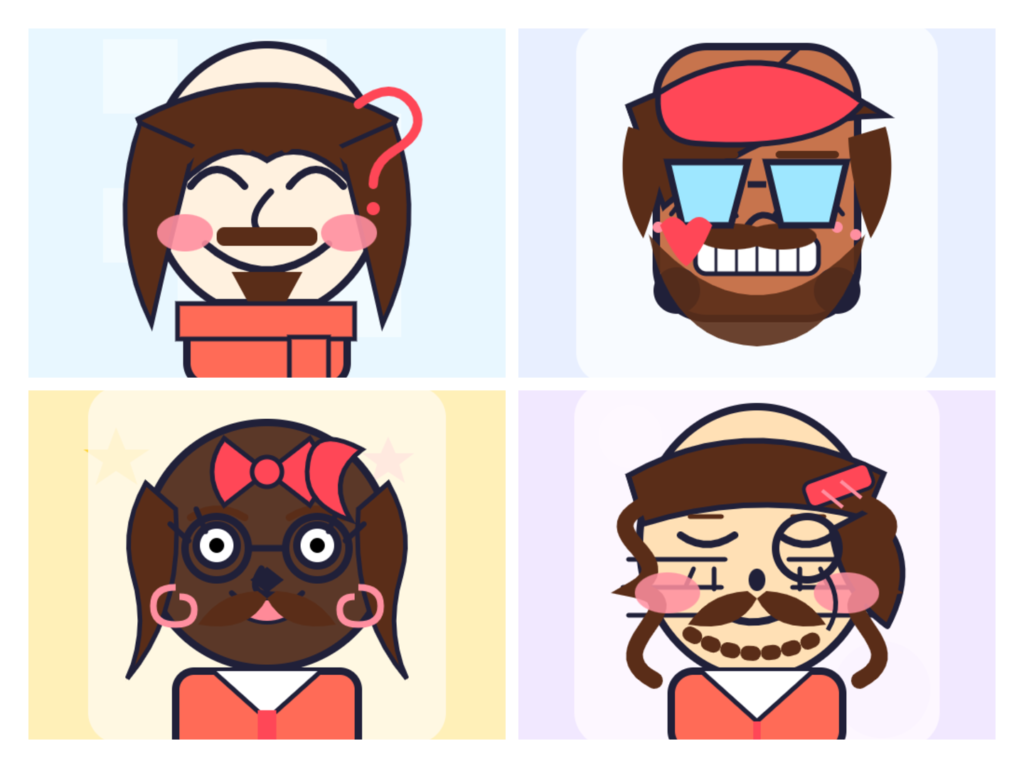
Why Choose Oval Face Generator
Picking the right platform to test cute avatars matters more than people admit. Whether you run gaming servers, build communities, or just post on X and Twitter, an eye-catching face belongs everywhere your feeds live.
A good icon stays readable even shrunk into a YouTube thumbnail, which is why every design here stays scalable from the very start. Small thumbnail faces hold their shape, proving the comparison shows real advantages.
You don’t need to sign up anywhere; there’s no account required, ever. Full all-device support means phones, tablets, and desktops all work the same. Many people search for a Picrew alternative and land here quickly.
Every cute avatar you build here reflects a smoother experience than clunky old tools ever offered. This generator is simply best for anyone who wants quick results without fuss, confusion, or wasted time online today.
There’s something warm about cozy profiles built from soft, rounded look edges instead of sharp corners. That gentle style keeps every face friendly, approachable, and instantly recognizable, which is exactly why people keep returning here.
Oversight note: I drew on both the “For Every Platform” and “Generator vs. Other Avatar Makers” lists for this heading, since those two sets are the only ones semantically tied to “why choose this generator.” The other four lists (Tips & Tricks, Gallery, Origin/Background, How to Use) weren’t touched, since they belong to different headings you haven’t asked me to write yet — so they remain fully intact below.
For Every Platform
Every single social space carries its own visual grammar, and I’ve watched the very same avatars shift meaning depending on where exactly they land, whether inside a bustling feed or a much quieter conversational corner.
On Discord, a tiny circular crop rewards bold, readable design choices, while TikTok very clearly favors personality that survives motion; I always test how a portrait still reads when shrunk against chaotic, fast-scrolling feeds first.
Something about Twitter, now rebranded as X, encourages sharper, opinionated expressions, whereas Instagram rewards softer, aesthetic cohesion across a grid; matching your profile icons to that mood quietly signals you truly belong within each community.
For YouTube channels and streaming overlays, a recognizable character anchors your entire brand across thumbnails and banners; I’ve even repurposed mine into rough game sprites for tiny hobby games, proving one design travels surprisingly far.
The smartest possible move is keeping one cohesive look ready for whatever surfaces next, since niche apps, forums, and offbeat creative projects appear constantly; portable, consistent identity beats redrawing yourself endlessly for every fresh space
How To Use
Getting started takes seconds since this browser-based generator needs no login, no uploads, and no sign-up at all. A soft oval shape instantly loads as your blank base, ready for quick, playful customization work straightaway.
Next, explore 12 categories packed with over 200+ options — skin tones, hairstyles, eyes, and playful accessories all waiting inside this friendly editor. Mix and match pieces freely until your character concepts feel distinctly yours before saving.
Feeling stuck? Hit the one-click randomizer for random inspiration, then tweak individual sliders to refine color shifts and match colors that reflect your brand or personality. Every small feature adjustment reshapes the whole face uniquely.
Good design leans on balance, so keep eyes centered within the frame for a calm silhouette and gentle contrast throughout. This oval shape favors symmetry, giving each avatar a distinct, pixel-perfect look that feels naturally soft and friendly.
Once satisfied, export instantly in crisp 512×512 or 256×256 PNG format with a single click, no watermarks or no hidden fees attached. This tool works everywhere across desktop, tablet, and mobile browsers, needing no plugins for smooth downloads.
Tips & Tricks
Honestly, my very first tip for any curious newcomer here: just mash the randomize button before anything else. Seeing millions of combinations flash by instantly trains your eye for what suits a rounded face shape.
Here’s something most beginners miss: adjust colors on each layer individually rather than accepting the defaults. Carefully matching your hair tone to chosen accessories creates a cute, cohesive look instead of clashing patches scattered everywhere.
After years of happy tinkering, I always choose features top-down: bangs first, then side hair, framing the eyes, nose, and mouth. Adding faint wrinkles or softly blushed cheeks afterward gives characters surprising personality and age.
Because every small change updates in real-time, experiment boldly with hats and layered clothes. This customizable system provides hundreds of choices, so swapping outfits costs nothing; try wild combinations before committing to any final direction.
Finally, don’t just click save blindly. When you download your finished output, it exports as a crisp 512×512 or 256×256 PNG file. Browse the gallery of example avatars first, hunting for images truly worth borrowing ideas from.
Generator vs. Other Avatar Makers
Having tested countless Japanese icon makers, I noticed most push square frames or blocky pixel makers aesthetics, whereas this oval face generator embraces gentle curves and smooth silhouettes through its distinctive soft oval style approach.
Unlike Picrew, which sometimes gates its content, this free platform functions entirely online without any forced registration, letting you generate unlimited avatars from 200+ options while keeping everything genuinely private — a compelling Picrew alternative honestly.
Technically, everything here gets rendered through modern HTML5 and Canvas, so the oval face icon generator feels far smoother than the dated tools, delivering a warm, polished result that other avatar makers rarely match nowadays.
Origin / Background
When I first stumbled upon this little tool, I learned it traces back to 2013, launching quietly as a modest Flash game. Its original premise let users craft playful oval faces, capturing early web creativity.
Watching its revival years later fascinated me. A surge of nostalgia drew back people craving pixelated charm, so developers rebuilt everything, honoring the heritage while layering modern polish onto those familiar, comfortingly simple oval shapes.
Having tinkered with countless avatar makers myself, I recognize how this scrappy beginning still shapes today’s interface. That humble origin quietly guides newcomers, and understanding the backstory deepens my appreciation for every rendered oval face.
What Users Say
Users appreciate how easy this oval face generator is to use. Many mention that it works instantly in the browser, requires no registration, and lets them create personalized avatars within minutes. The clean interface and fast customization make the experience smooth, even for first-time users.
People often use their oval face avatars for social media profiles, gaming accounts, messaging apps, and creative projects. Reviews frequently highlight the responsive design, quick loading speed, and flexible customization options, making it a reliable choice for creating unique profile pictures on both desktop and mobile devices.
Frequently Asked Questions
After tinkering with dozens of avatar makers over the years, I found this one refreshingly straightforward. The Oval Face Generator is a browser-based creator that builds cartoon-style portraits around an oval facial shape. Every element, from hairstyles to skin tones, stays fully adjustable until your character finally feels authentically yours.
Yes, and I appreciate that there is no hidden catch buried in the fine print. The Oval Face Generator is completely free forever, with no subscription, no trial countdown, and no watermark slapped across your finished work. Design as many portraits as you want without ever reaching for your wallet.
Absolutely, and this is where the tool quietly outshines pricier competitors. Your finished avatars work perfectly as profile pictures on Instagram, Discord, LinkedIn, or anywhere else. Commercial projects are fair game too, so why choose costly stock photography when a personalized character represents your own brand far better every time?
This surprised me during testing: yes, it runs beautifully on phones and tablets. The interface reshapes itself for smaller touchscreens, so tapping through options never feels cramped. One of my favorite tricks is designing avatars during my commute, since the responsive layout handles both portrait and landscape orientation smoothly enough.
Saving is delightfully simple once you know how to use the export button. After finishing your design, click download, choose your preferred format, and the image lands in your device gallery instantly. If you feel unsure, the on-screen step-by-step prompts walk you through each stage without any confusion at all.
Great question, because dimensions matter more than most beginners realize. The generator exports square images, typically around 512 by 512 pixels, which suits nearly every social platform without awkward cropping. That resolution stays crisp on profile badges yet remains lightweight enough for fast loading, striking a balance seasoned designers appreciate.
None whatsoever, which frankly saves enormous hassle. Everything runs directly inside your web browser, so there is nothing to download, no app store permissions, and zero storage consumed on your device. One of my go-to tips for newcomers is bookmarking the page, letting you return and create fresh avatars anytime.
There is no cap, which absolutely delights power users like me. Generate one avatar or two hundred; the tool never throttles your creativity or demands upgrades. I frequently tap the shuffle option for random results, spawning wildly different characters within seconds, then refining whichever quirky combination catches my eye afterward.
Privacy was actually my very first concern when I tried it. Everything processes locally inside your browser, meaning your creations never upload to a server or database. No account signup, no email harvesting, and no tracking cookies following you around afterward. Your avatar stays entirely on your own device, always.
Having used Picrew extensively, I can spot the similarities immediately. Both let you assemble character avatars from layered parts, mixing hairstyles, expressions, and accessories freely. The difference lies in focus: this tool centers specifically on oval facial structures, giving your portraits a distinctive proportion that generic Picrew makers rarely emphasize.
After comparing countless avatar creators, the oval-first approach stands apart. Most generators default to round or square faces, but this one treats the elongated oval as its foundation, flattering a face shape often overlooked. Combine that specialization with zero cost, no installation, and unlimited generation, and the uniqueness becomes obvious.
Prefer a square shape instead? Read our guide on how to make a square profile picture — it covers all methods including building an avatar from scratch.
Latest Articles
-
How to Make a Square Profile Picture (And Why Most People Are Doing It Wrong)
Most people search for “how to make a square profile picture” and land on a cropping tool. They upload a photo, drag a box around their face, and download a slightly worse version of something they already had. That gets the job done. But it’s not the only way — and for a lot of…
-
Best Free Oval Face Generators to Create a Cute Avatar (2026)
I’ve lost count of how many profile pictures I’ve built over the years. Somewhere between the old forum days and my current pile of Discord servers, I turned into the kind of person who notices when an avatar’s face is slightly too wide for the crop. Oval faces, in particular, have quietly become my go-to…
-
Best Free Cat Avatar Makers to Build a Cute Cat PFP (2026)
I’ve been making little avatars for online profiles since before “PFP” was even a word people said out loud. Forum badges, MSN display pics, Discord icons, Twitch sub emotes — I’ve fiddled with all of them. And somewhere along the way I got weirdly specific about one thing: a good cat avatar maker should let…