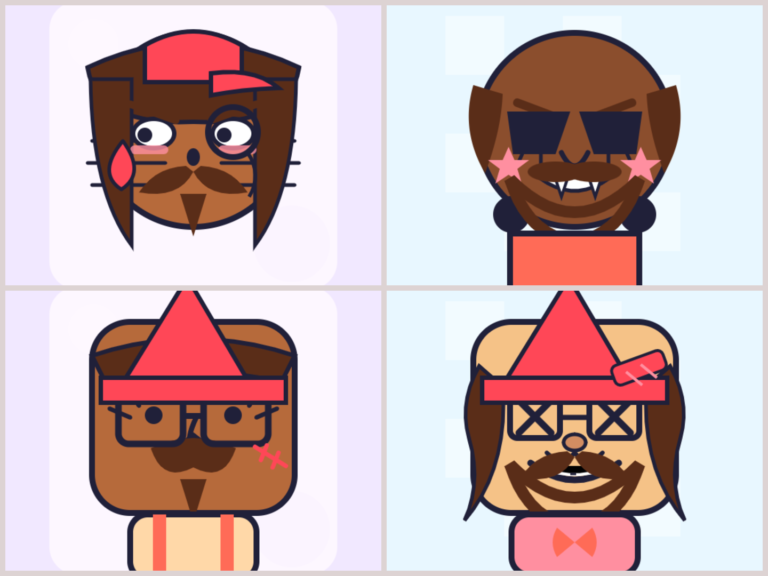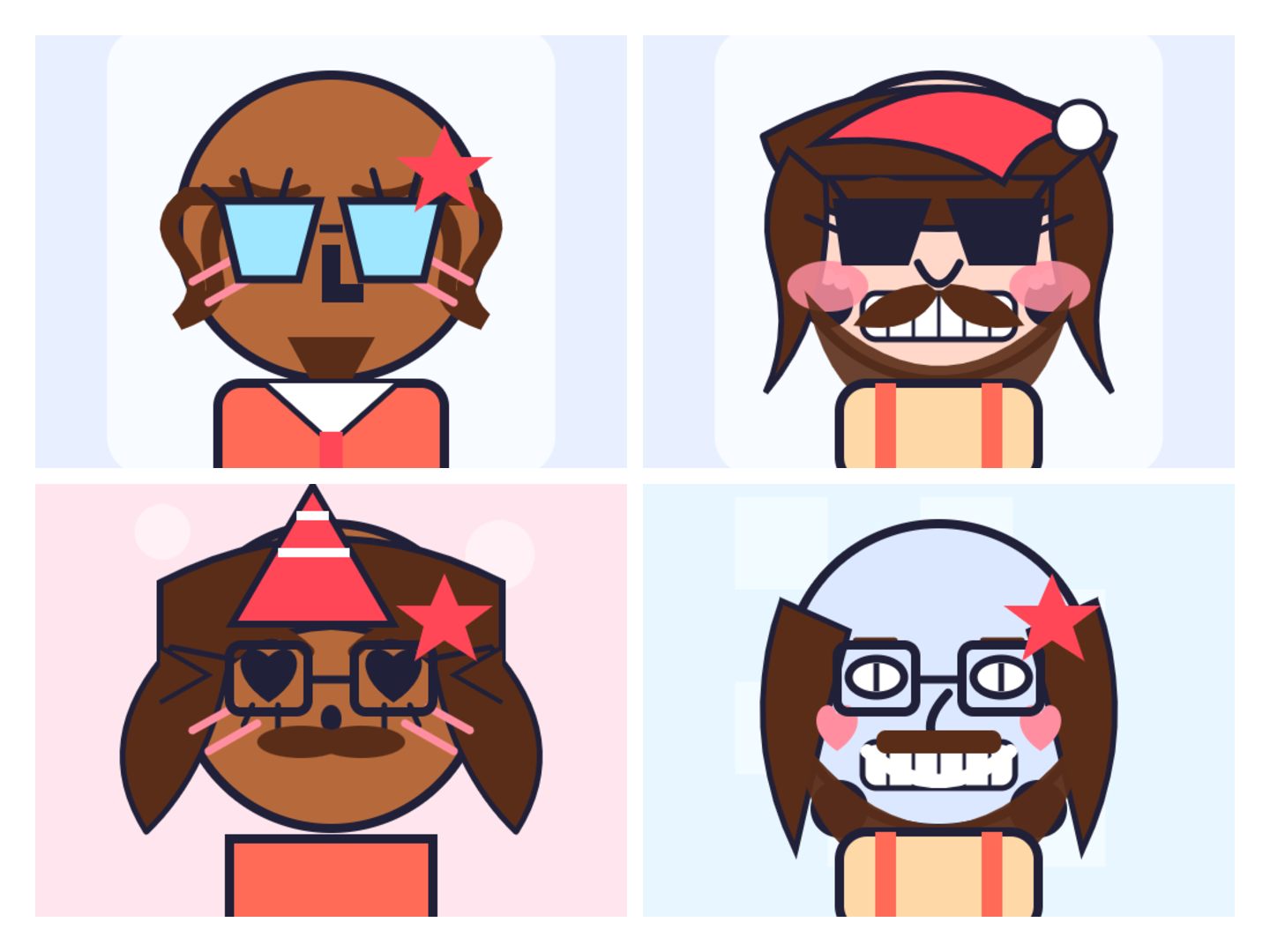
Best Free Oval Face Generators to Create a Cute Avatar (2026)
I’ve lost count of how many profile pictures I’ve built over the years. Somewhere between the old forum days and my current pile of Discord servers, I turned into the kind of person who notices when an avatar’s face is slightly too wide for the crop. Oval faces, in particular, have quietly become my go-to — they read as friendly, they sit nicely inside a circular profile ring, and they don’t get chopped up the way sharp, boxy shapes do.
Prefer a feline look? See our Best Free Cat Avatar Makers.
So this is a practical guide to the best free oval face generators — the tools that let you build a soft, rounded-face avatar in a couple of minutes and export it clean. I’ll tell you what actually separates a good one from a frustrating one, walk through the options, and share the small-size tricks I wish I’d known when I started. No fluff, no ten-tools-that-are-all-the-same padding.
If you prefer a square format instead, we have a full guide covering every method to make a square profile picture — from cropping a photo to building one from scratch.
Let’s get into it.
What makes an oval face generator worth using
Before naming tools, here’s the checklist I quietly run every avatar maker through. After building far too many of these, these six things separate the keepers from the tab-closers:
- Runs in the browser, no signup. If a tool wants my email before I’ve even picked a hairstyle, I’m gone. Free should mean free.
- Enough parts to feel like you. Hair, eyes, brows, nose, mouth, skin tone, accessories. Three hairstyles and two eye shapes means everyone ends up with the same face.
- A clean, transparent PNG export. Essential the moment you want your avatar over a coloured background, a banner, or a stream scene.
- It survives shrinking. An avatar that looks lovely at full size but turns to mush at 48 pixels is useless. Readability beats detail, always.
- It works on a phone. I make half of these on mobile while waiting for something. Tiny buttons and zoom fights are an instant no.
- Your work stays private. If everything renders locally in your browser and nothing uploads to a server, that’s the standard to want.
Keep those in mind and you’ll spot a weak tool in about thirty seconds. Now, the picks.
1. Oval Face Generator — the one I keep recommending
Short answer first: this is the one I’d hand a friend. The Oval Face Generator is a browser-based avatar maker built around a soft, oval face shape — the flattering, friendly base that so many other tools skip in favour of squares and circles.
Here’s what stands out when you actually use it:
The face shape does real work. An oval reads as approachable, and it fits a circular profile crop far better than a boxy face whose corners get clipped. Starting from a shape that already photographs well (so to speak) means less fighting the platform later.
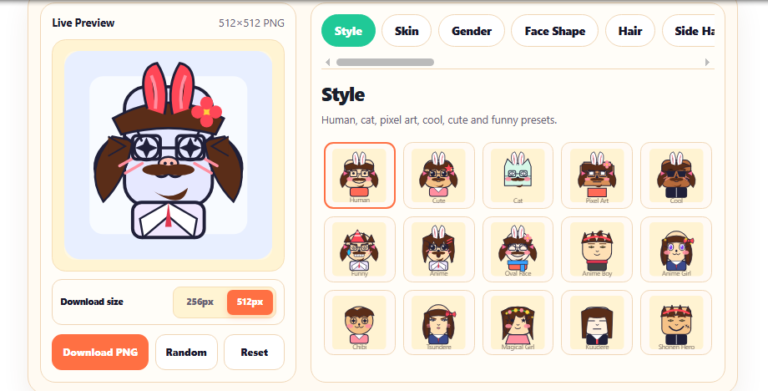
The parts library is deep enough to matter. You’re customising hair, eyes, eyebrows, nose, mouth, skin tone and little accessories — with ready-made style presets to start from if you don’t want a blank canvas. Whether you’re going for a cute, clean, cartoon, or more expressive look, you can land there fast and then fine-tune.
You can adjust each part, not just swap it. Position, size and colour controls mean you’re not stuck with wherever a template dropped the eyes. Nudge them a little wider, recolour the hair, shrink the nose — tiny changes, and suddenly it’s your face, not a stock one.
Export is instant and flexible. One click gives you a clean PNG. Grab it at 512×512 for crisp large use, or 256×256 when you want a lighter file that uploads fast. Both stay sharp because the art is drawn as vectors and then rendered to your chosen size — no fuzzy edges.
Nothing leaves your browser. The whole thing renders locally. No account, no upload, no data collection. You can open your browser’s network tab and watch nothing get sent anywhere — privacy by design, not by a policy nobody reads.
It’s quick enough to experiment. Because it’s free and instant, you generate, discard, retry, and land somewhere better than you’d have planned. That “disposable in the best way” feeling is exactly what gets a design finished.
Best for: Discord and Twitch users, content creators, anyone who wants a friendly cartoon-style face icon, and people who want a consistent avatar across every profile without opening design software.
2. Anime-style avatar makers
There’s a big category built specifically for anime and manga looks — big eyes, expressive hair, that whole aesthetic. If that’s your vibe, they can be lovely.
The trade-off: they’re often style-locked. Great if you want anime, limiting if you don’t. And the more elaborate the hair and detail, the worse it tends to read when a platform shrinks it down. If you go this route, keep the silhouette bold so it still works small.
Best for: anime fans and profiles where that specific style fits the brand.
3. Cartoon and emoji-style avatar builders
Another popular category leans into flat, cartoon or emoji-ish faces. These are usually clean and small-size friendly, which is a genuine plus. The downside is that many of the polished ones live inside apps that gate the good parts behind a subscription, or watermark your export until you pay.
A browser tool that gives you the same clean cartoon result without the install or the upsell is usually the better trade — but if you’re already inside a specific app’s ecosystem, these can be convenient.
Best for: people who like flat cartoon looks and don’t mind an app or the occasional paywall.
4. AI avatar generators
The newest option. You type a prompt (or upload a selfie), and an AI paints a face. The results can be genuinely striking for a one-off portrait.
But for a profile picture, they’re often the wrong tool. You get far less control — you can’t just “move the left eye” — results are inconsistent, commercial-use licensing gets murky depending on the service, and the output is usually a busy, detailed image that turns to soup at 24 pixels. AI is great when you want art. For a clean, reproducible icon you can tweak whenever you like, a parts-based face icon maker wins.
Best for: one-off illustrations and experiments — not everyday avatars.
How to choose the right one for you
Match the tool to the job:
- Want a friendly, flattering face done in two minutes, free, no strings? A browser-based oval face generator.
- Set on an anime look? An anime avatar maker.
- Love flat cartoon faces and already live in an app? A cartoon/emoji builder.
- Making a fancy one-off portrait, not a reusable icon? An AI generator.
For most people who searched “oval face generator” or “avatar maker,” the answer is the first one: control, speed, a transparent PNG, and no account. Everything else is a niche.
Making an avatar that actually looks good (small-size survival guide)
Here’s the stuff nobody tells you. Your avatar almost never shows at full size — platforms crush it. So design for the crush.
Discord turns your square into a circle, so the corners disappear. Centre the face and keep hair or accessories from getting clipped by the round mask. An oval face has a real advantage here — it fits the circle naturally. Still, test it as a circle before you commit.
X (Twitter) compresses uploads hard and shows your icon tiny next to every reply. Silhouette beats fine detail. Squint at your avatar around 48 pixels — if the head shape and hair still read clearly, you’re good. If it’s a smudge, push your colours toward stronger contrast.
TikTok shows your icon small and often moving beside a follow button. Cute and simple wins; heavy detail dissolves into the scroll.
Instagram sometimes wraps your PFP in a story ring, stealing edge space. Leave a little breathing room so a strand of hair or an ear doesn’t get eaten.
YouTube renders your channel icon at roughly 24 pixels next to comments. Test it there, not on your big banner. A bright, clean face earns replies; a fussy one vanishes.
Twitch repeats your image everywhere — chat, badges, raid alerts. Pick one clear direction and hold it, so your channel looks maintained rather than thrown together.
The through-line: bold shapes, strong contrast, a transparent background, and a face that survives shrinking. Detail is a bonus, not the point.
Common mistakes I still see
- Designing at full size only. Zoom out constantly while you build. The tiny version is the real version.
- Too many colours. A clean face with one or two accent hues reads far better than a rainbow.
- Filling the whole frame. Give the head a little margin so cropping doesn’t lop off hair.
- Redesigning constantly. Consistency builds recognition. Keep one base face and swap small details instead of rebuilding from scratch.
- Skipping the transparent PNG. A baked-in white square looks out of place the second a platform switches to dark mode.
A quick workflow that works
If you want a repeatable process, this is the order I use:
- Lock the silhouette first — face shape and hair. This is what people recognise at a glance.
- Add the features — eyes, brows, nose, mouth. Get the expression right.
- Then colour — skin tone, hair colour, and one accent accessory.
- Zoom out and judge at small size. Fix contrast if anything muddies.
- Export the PNG and save it locally before uploading anywhere.
Doing shape before colour feels backwards, but it stops you fussing over hair tones on a face whose basic shape isn’t even readable yet.
Frequently asked questions
Are these oval face generators really free? The best browser-based ones, yes — genuinely free, no signup, no cost at export. The Oval Face Generator, for instance, lets you make and download unlimited avatars without paying or creating an account. Be wary of app-store tools that call themselves “free” but watermark your download or lock the good parts behind a subscription.
What size should my avatar be? A square export around 512×512 works for almost every platform, since sites crop and resize from a square anyway. If you want a lighter file, 256×256 is fine for most profile slots. Just make sure it still reads at small sizes — that matters most.
Do I need a transparent background? For a plain profile picture you often don’t, but it’s very handy if you plan to layer your avatar over a coloured background, a banner, or a stream scene. A transparent PNG gives you that flexibility with no downside.
Why choose an oval face over a round or square one? An oval reads as friendly and fits a circular profile crop cleanly — you’re less likely to lose the top of the head or the chin. Square faces look sharp but their corners get clipped in round previews. Oval is a safe, flattering default for almost any platform.
Can I use my avatar commercially? With most free browser makers, the avatar you create is yours to use — profiles, streams, stickers, even merch — though terms vary by tool, so check each one. The usual rule: you can use what you make, but you can’t resell the generator itself. Read the specific license if money’s involved.
Do I need to install anything or use Flash? No. Flash has been gone for years. Good modern avatar makers run on HTML5 and JavaScript right inside your browser — desktop or phone — with nothing to download.
Which is best for Discord or Twitch? A browser-based maker that exports a transparent PNG. On Discord, centre the face for the circular crop; on Twitch, keep a consistent style that holds up across badges and emotes. An oval face generator suits both because it’s built around clean, legible shapes and instant PNG export.
Is my data safe? With tools that render locally in your browser, yes — nothing is uploaded, and closing the tab wipes everything. That’s privacy by architecture, not by promise. If a tool insists on uploading your work to its servers, be more cautious.
Which free oval face generator should you use?
There are plenty of ways to make an avatar, but most people don’t need “plenty of ways” — they need one tool that’s free, fast, private, and flexible enough to make a face that’s unmistakably theirs. For that, a browser-based oval face generator is the sweet spot, and the Oval Face Generator is the one I’d recommend without hesitation.
Pick your shape, build your face, export the PNG, and go claim your corner of the internet. It takes less time than reading this twice — and unlike a bio, a good face is the kind of thing people actually remember.