Free Picrew Alternatives: A Style-by-Style Guide to Making Avatars You Actually Own (2026)
Search “Picrew alternatives” and you’ll get the same list every time: fifteen anime avatar makers, ranked one to fifteen, with almost no explanation of which one fits you. That’s not helpful when you already know Picrew — you don’t need another identical list. You need to know which alternative matches the style you want and, just as important, which one lets you actually use the avatar you make.
So this guide is built differently. Instead of ranking tools, it groups the best free Picrew alternatives by the look you’re going for — anime, cartoon, pixel, blocky, animal, dress-up, or 3D — and it explains the one thing most articles skip entirely: the licensing catch that trips people up on Picrew.
Before you pick an alternative, it helps to have a square profile picture ready — here’s a complete guide on how to make one.
Let’s get into it.
Quick answer: pick by what you want
If you’re in a hurry, here’s the short version. Choose based on your goal, then scroll to that section for details.
- Cute, anime-style OC: Meiker.io, Neka.cc, or Charat
- Dress-up dolls & fantasy characters: Doll Divine
- Clean square / blocky profile icon: Square Face Generator
- Retro pixel-art icon: Pixel Art Maker
- Cat or animal avatar: Cat Icon Maker
- Soft, friendly oval face: Oval Face Maker
- Flat, modern illustrated avatar: avataaars or Avatar Maker
- 3D character model: Hero Forge or Zepeto
Now the important part — how to choose, and why style isn’t the only thing that matters.
Why people leave Picrew (it’s usually one of three reasons)
Picrew is genuinely great. It’s free, it’s fun, and its artist-made image makers have a charm that’s hard to beat. But there are three recurring reasons people go looking for something else.
1. The style is mostly anime. Picrew leans heavily into Japanese anime and chibi aesthetics. If you want a Western cartoon look, a flat modern avatar, a blocky icon, or a pixel sprite, you’ll spend a long time hunting for a maker that fits — and often come up short.
2. You can’t reuse the avatar freely. This is the big one nobody mentions. Most Picrew image makers are licensed for personal use only. Using your avatar for a brand, a stream overlay, merch, a thumbnail, or anything commercial can break the individual creator’s terms. Every maker sets its own rules, so you have to check each one.
3. There’s no save state. You build your character in a single session. Close the tab or lose connection and your progress is gone — you finish now or start over later.
Keep these three in mind, because the “best” alternative depends as much on licensing and workflow as it does on art style. A gorgeous maker you can’t legally use for your project isn’t actually a solution.
What to look for in a Picrew alternative
Before the style breakdown, here’s the checklist worth running every tool through:
- Art style: Does it make the look you actually want, not just “an avatar”?
- Usage rights: Personal only, or commercial-friendly? Is attribution required?
- Account needed: Can you start immediately, or is there a sign-up wall?
- Export quality: What size and format? A crisp square PNG (around 512×512 or 256×256) works almost everywhere.
- Mobile support: Does it work in a phone browser without an app?
- Save / edit later: Can you come back to your design, or is it one-and-done?
With that lens, here are the alternatives grouped by style.
Best Picrew alternatives by style
If you want anime & chibi characters
This is where Picrew is strongest, so the alternatives here compete on variety and licensing.
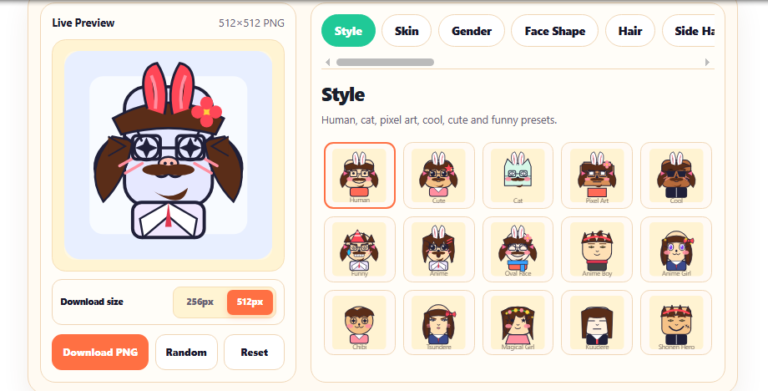
- Meiker.io is the closest thing to Picrew in spirit. It hosts hundreds of artist-made makers across anime, fantasy, and modern styles, with an inclusive range of body types and features. Because it isn’t Japan-only, its licensing tends to be more flexible than Picrew’s — though, as always, check the individual maker.
- Neka.cc has a layout very similar to Picrew and a huge library of anime makers, including plenty of fandom- and pop-culture-inspired templates. If “Picrew but a different catalogue” is what you want, this is it.
- Charat offers detailed anime and chibi character makers with deep customization. Good when you want fine control over an anime OC rather than a quick icon.
Best for: anime OCs, roleplay characters, fandom avatars.
If you want dress-up dolls & fantasy characters
- Doll Divine is a long-running collection of dress-up and doll makers spanning fantasy, mythology, historical, goth, and mermaid themes. Many of its makers build full-body characters rather than head-only icons, which makes it a favorite for tabletop roleplayers and storytellers.
Best for: full-body characters, themed fantasy looks, roleplay.
If you want a clean square or blocky icon
Here’s where the anime-heavy crowd leaves a gap. If you want a bold, boxy, instantly-recognizable profile picture — the kind that stays clear even as a tiny thumbnail — a square-face maker beats an anime doll every time.
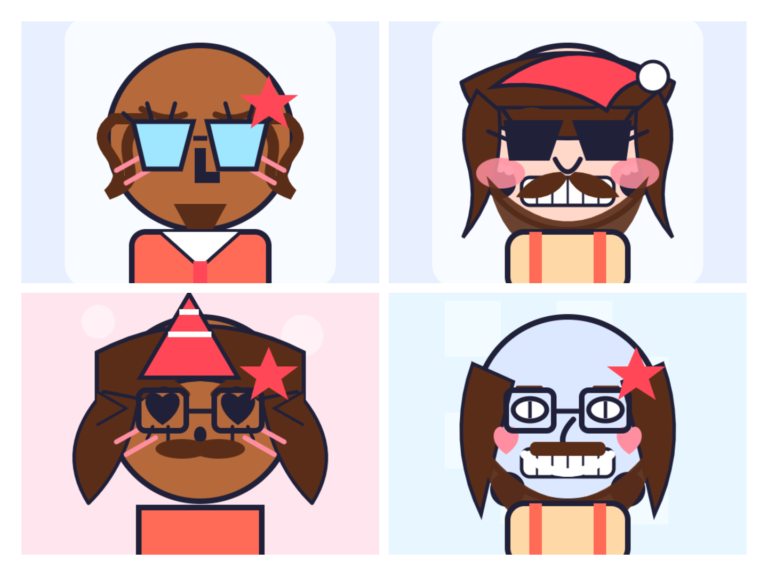
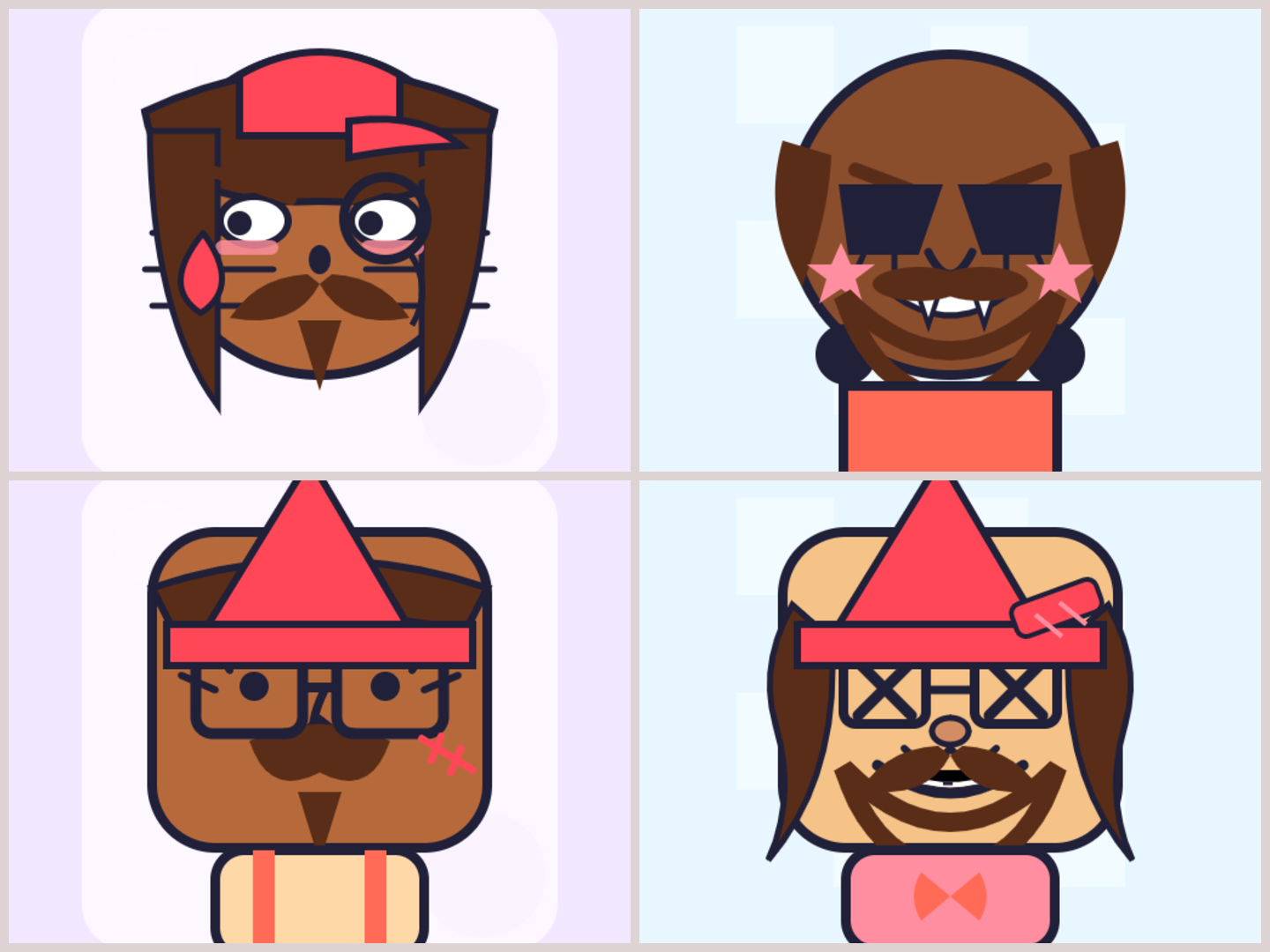
- Square Face Generator builds cute, blocky icons part by part: skin tone, hair, eyes, nose, mouth, eyebrows, cheeks, glasses, hats, and clothes, all updating in a live preview. It runs in your browser with no login and no install, works on phone or desktop, and exports a crisp 512×512 or 256×256 PNG. The square shape is a practical advantage: it survives Discord’s and X’s circular cropping without losing detail.
Best for: bold, clean profile pictures for Discord, X, gaming, and forums.
If you want a retro pixel-art look
- Pixel Art Maker leans into the 8-bit, retro-icon aesthetic — flat shapes, chunky pixels, nostalgic charm. Perfect for gaming profiles and anyone who wants their avatar to feel like a classic sprite rather than a polished portrait.
Best for: retro/gaming icons, pixel sprites.
If you want a cat or animal avatar
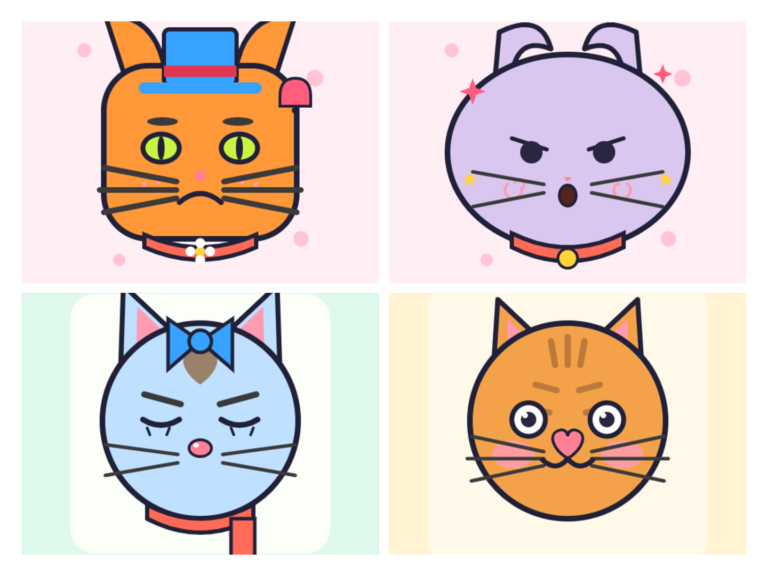
- Cat Icon Maker is a niche most Picrew-alternative lists ignore entirely. If you’d rather be a cute cat than a human OC, an animal-focused maker gives you ears, whiskers, markings, and expressions built for the job instead of forcing a human template to look feline.
Best for: cat and animal profile pictures.
If you want a soft, friendly oval face
- Oval Face Maker rounds off the hard edges for a warmer, gentler look than a square icon — a nice middle ground between blocky and fully illustrated.
Best for: soft, approachable avatars.
If you want a flat, modern illustrated avatar
- avataaars generator is the flat, friendly illustration style you’ve seen across apps and dev sites. Simple, fast, and clean.
- Avatar Maker lets you build a cartoon avatar by choosing features and export as PNG or SVG, with a few style directions to match your vibe.
Best for: minimal, modern avatars, especially for professional or app use.
If you want a full 3D character
- Hero Forge is built for tabletop miniatures but doubles as a free web tool for posable 3D character models — armor, weapons, colors, the works.
- Zepeto blends an avatar creator with a social app, letting you design a precise 3D character and then use it in games and animations.
Best for: 3D models, tabletop characters, animated avatars.
Comparison at a glance
| Tool | Style | No login | Export | Notes |
|---|---|---|---|---|
| Square Face Generator | Square / blocky | ✅ | PNG 512×512 or 256×256 | Great for cropped PFPs |
| Meiker.io | Anime / community | Mostly | PNG | Closest to Picrew |
| Neka.cc | Anime | Mostly | PNG | Picrew-like layout |
| Doll Divine | Dress-up / fantasy | ✅ | PNG | Full-body dolls |
| Pixel Art Maker | Pixel / retro | ✅ | PNG | Gaming icons |
| Cat Icon Maker | Animal / cat | ✅ | PNG | Cat avatars |
| avataaars | Flat illustration | ✅ | PNG / SVG | Modern & minimal |
| Hero Forge | 3D | ✅ | Image / model | Tabletop minis |
The licensing thing nobody explains
If you take one idea from this guide, make it this: an avatar you can’t use is not a free avatar.
On Picrew, each image maker is made by an individual artist, and each sets its own terms. Many allow personal use — a profile picture, an icon for your own account — but restrict commercial use, editing, or reposting. That’s completely fair to the artists, but it catches people off guard when they try to use a Picrew avatar for a logo, a product, a stream, or a monetized channel.
When you’re choosing an alternative, sort tools into three buckets:
- Personal use only — fine for a private PFP, risky for anything public-facing or paid.
- Commercial-friendly, attribution required — usable for brands and streams if you credit the source.
- Commercial-friendly, no attribution — the most flexible; your creation is yours to use freely.
Tools where you assemble the parts (rather than reusing one artist’s uploaded set) generally give you the cleanest usage rights, because you’re not depending on a third party’s terms. That’s worth more than an extra hundred hairstyles if you plan to actually put the avatar to work.
How to pick in 30 seconds
- Name the style you want (anime, cartoon, pixel, square, animal, 3D). That eliminates most of the list instantly.
- Decide the use. Private profile picture? Almost anything works. Brand, stream, or product? Filter for commercial-friendly licensing first.
- Check the friction. Want to start right now with no account and edit on your phone? Prioritize no-login, mobile-friendly tools.
Match those three and you’ll usually land on one or two options rather than fifteen.
Frequently asked questions
Is there a free site exactly like Picrew? Meiker.io and Neka.cc come closest in format — layered, artist-made makers you mix and match. For non-anime looks, square, pixel, cat, and cartoon makers fill the gaps Picrew doesn’t cover.
What’s a good “Picrew dupe” that isn’t anime? If you want to step away from the anime aesthetic, try a square or blocky icon maker, a flat avatar generator like avataaars, or a pixel-art maker. These give a distinct look while keeping the same pick-your-parts feel.
Which alternative is best for making an OC? For detailed original characters, Meiker.io, Charat, and Doll Divine offer the deepest customization, and Hero Forge is excellent for a 3D OC.
Can I use these avatars commercially? Sometimes — it depends entirely on the tool. Picrew and many community makers are personal-use only. If you need commercial rights, confirm the license before using the avatar for anything paid or branded.
Do any of these work on mobile without an app? Yes. Several run entirely in a phone browser, including Square Face Generator, Doll Divine, avataaars, and Avatar Maker — no download required.
What size should my avatar be? A square image works on nearly every platform. A 512×512 or 256×256 PNG stays sharp on Discord, X, TikTok, YouTube, and most other profiles, and crops cleanly into circular avatars.
The bottom line
Picrew set the standard for pick-your-parts avatar makers, but it isn’t the only option — and for anything beyond a personal anime icon, it often isn’t the best one. Start by naming the style you want and how you plan to use the avatar. If that answer is a clean, bold, square-style profile picture you can make in your browser and download in seconds, start with the Square Face Generator — then branch out to the others when you’re in the mood for a different look.